 Screwdom

Screwdom Walkthrough
Find your level and see which screws to remove.
Independent fan-made guides. Not affiliated with the game developer.
Browse levels
Recently updated
Game screens from Screwdom
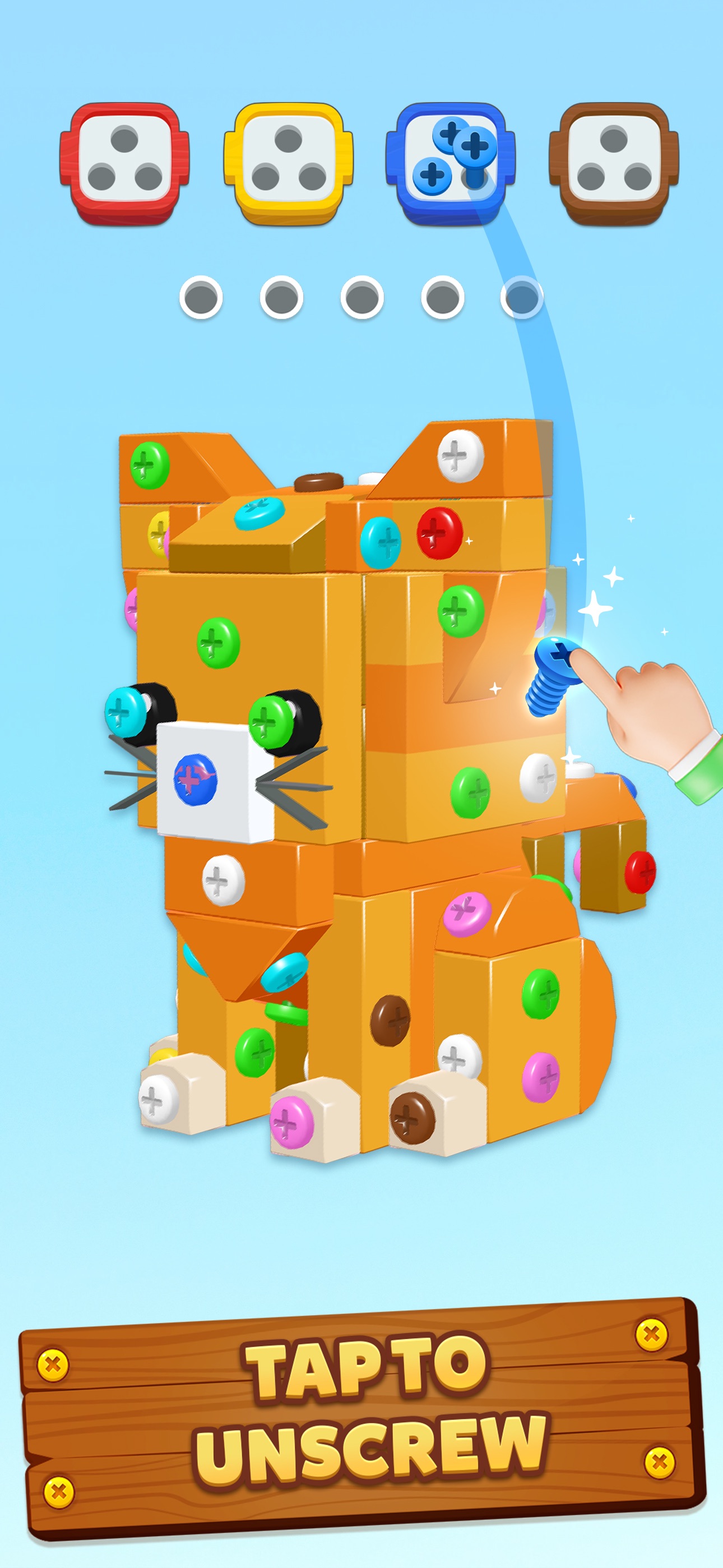
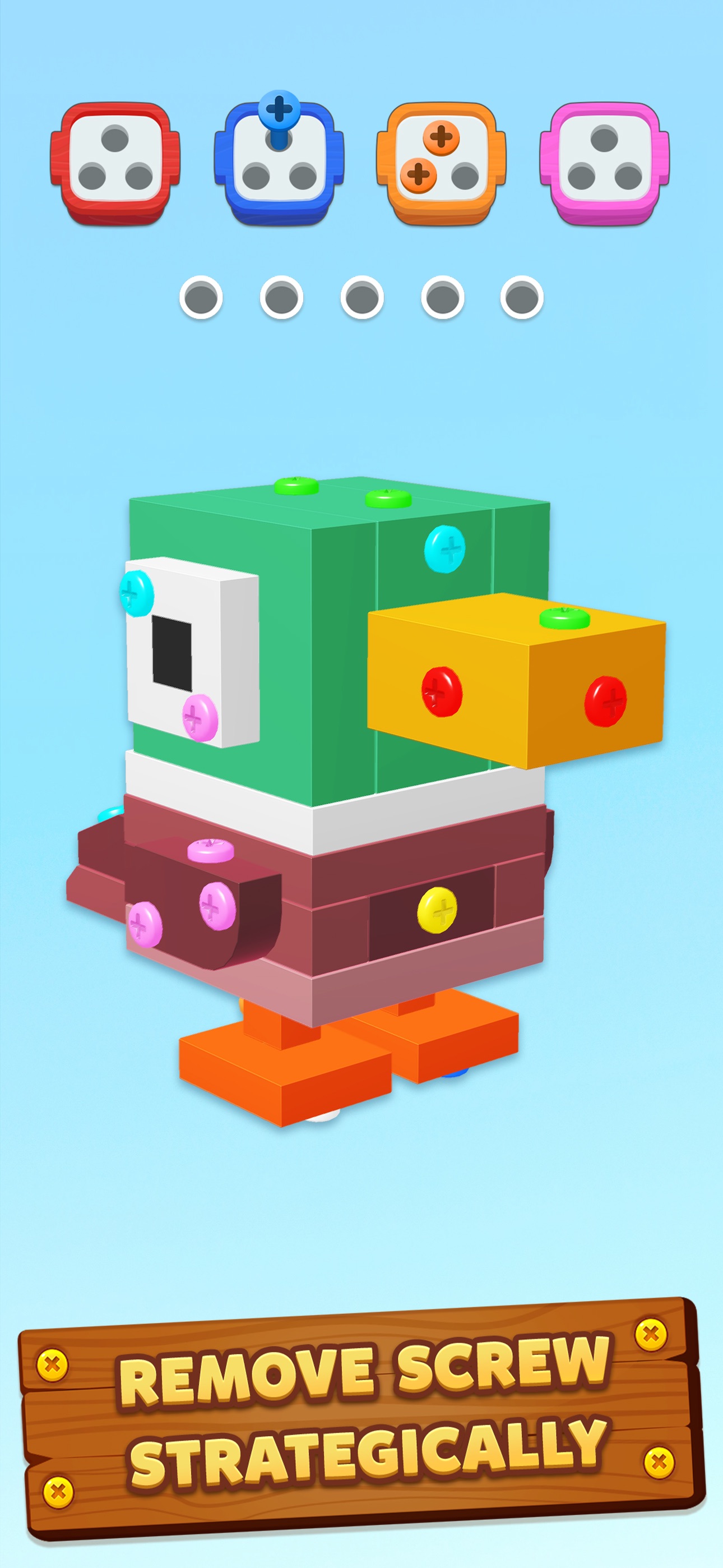
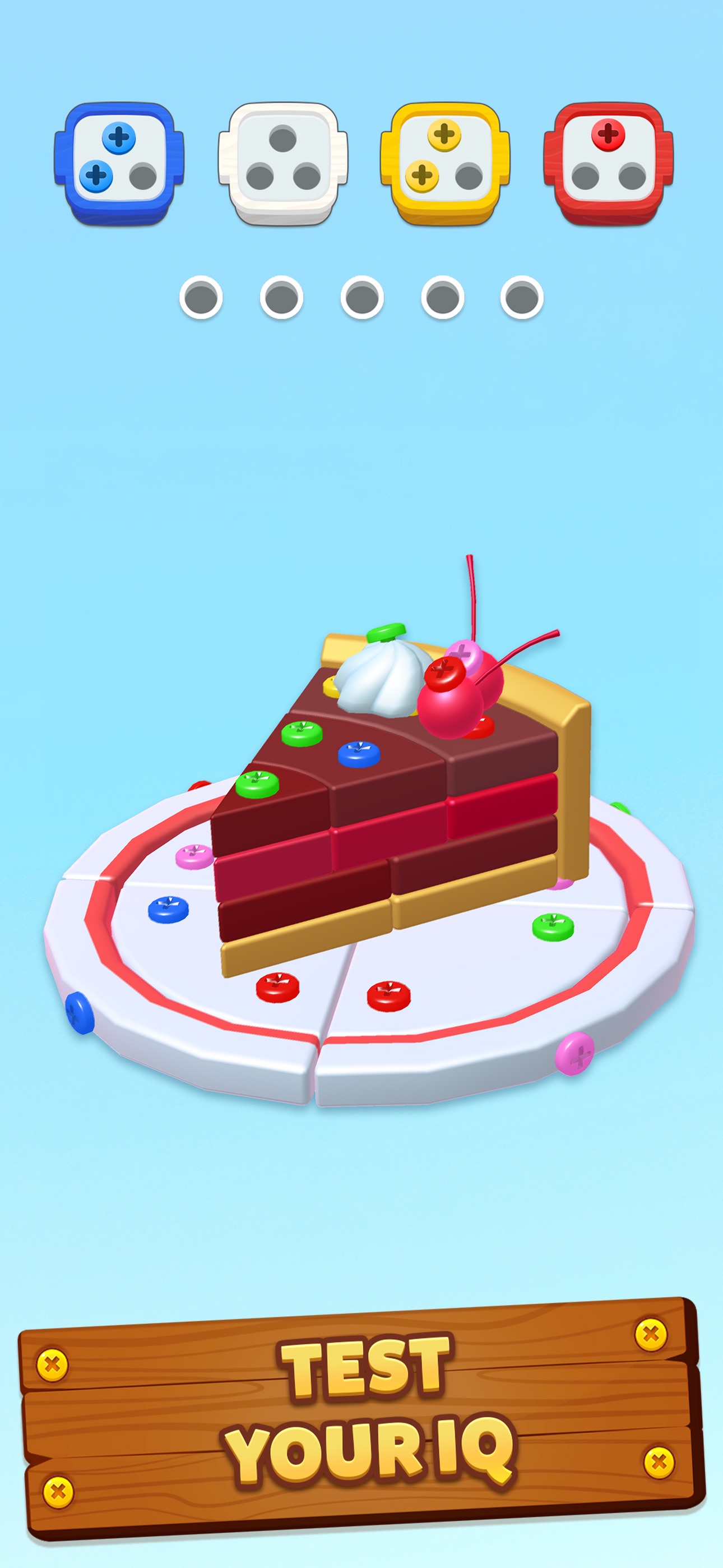
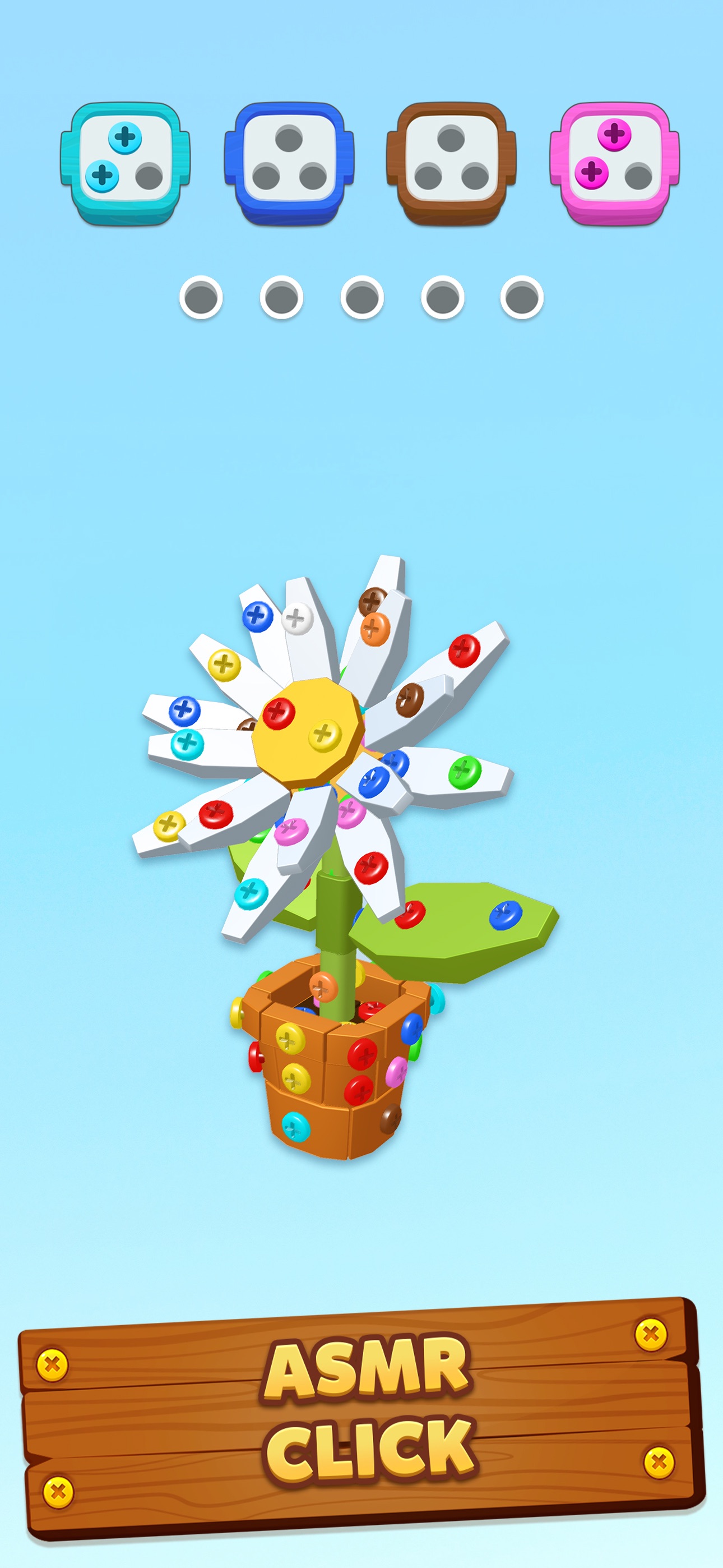
About the game
Screwdom, listed as Screwdom 3D on Google Play, is a 3D screw-sorting puzzle by iKame Games.
Rotate the model, then tap exposed screws to sort their colors into boxes. Keep some spare slots free for screws without a matching box.
Browse 1083 video guides by level number.
- Publisher
- iKame Games
- Platform
- Android, iPhone, iPad
- Guide coverage
- 1083 levels
- Last updated
- Game store
- Google Play
 · App Store
Screwdom is a 3D screw-sorting puzzle developed by iKame Games. On Android it is listed as Screwdom 3D, and on iPhone and iPad it is listed as Screwdom. To clear a model, remove its colored screws and sort them into boxes of the same color. Rotate the object when a match is hidden, and leave some temporary space for screws that cannot go into an open box.
The goal of a level
Think of each piece of the object as a group of fasteners. A panel comes away when the screws that hold it are removed, and the piece underneath can carry more screws. You can collect a screw that is already exposed with a tap. When a screw matches an open box, it belongs there immediately. Other colors take up temporary positions. If you start by emptying the face that happens to be looking at you, you can use up those positions before you have opened a path to the colors you need. Check the boxes across the top before touching the model.
Rotate before spending a slot
Drag the model to see its other faces. A screw might be inaccessible behind one plate while an equivalent screw in the same color is in plain view on the back. Start by deciding which color you are trying to finish. Then sweep around the model, inspecting the ends, the underside and any recesses. Touch the screw once the head is easy to distinguish from its neighbors. Whenever an outer piece falls away, rotate again. The opening can show screws that were invisible in the original position, especially around corners where two pieces overlap.
How to plan a tray change
When a colored box fills, look at the boxes again before making another tap. A screw that was occupying temporary space may now be useful. This is why clearing a box can change what is possible even if it barely changes the shape of the model. If you have a choice between two matching screws, consider which one helps release a piece. The screw that completes a panel can both advance the box and expose the colors for the following move. A lonely screw far from any releasable piece might still be the simplest way to finish a nearly full box.
Why a simple-looking model can be hard
The outlines of a house, duck or cube tell you surprisingly little about where the colors are. A broad roof can make a large row accessible in one move, while a small object can keep the last match under several overlapping parts. Pay attention to the number of useful exposed screws and the freedom you have in the temporary row. When a box needs one screw and the only likely match sits under a panel held by two unmatched screws, the order of the colors matters much more than the size of the object.
Recovering from a crowded temporary row
Stop tapping and count the remaining places, then inspect each side. Look for a direct match that can finish a box, or a matching screw that also detaches a panel. If a move needs an unmatched screw, decide which piece it will free and whether there is a visible payoff. When the app offers a tool, read its description and look for the effect that solves the immediate problem. If your run has already ended, remember the move that crowded the row so you can choose a different side or box on the next try.
Finding the right walkthrough
Use the number displayed in the game to open the corresponding guide. Pause the recording when the model first appears and compare its outline, outer panels and the colors of the first boxes. A different starting angle can make a matching model look unfamiliar. A changed model or different opening boxes can call for a different order of taps. Use the video to see how the player looks around the object and gets through the tricky transition. If all you need is a nudge, stop when the first concealed layer is exposed and try the remaining screws yourself.
About ads, tools and the app
The Android store labels Screwdom 3D as containing ads and in-app purchases. The US App Store lists Screwdom as free to download with in-app purchases and records its release on January 2, 2025. Offers and tool prompts can differ across versions and accounts. If a rewarded ad or purchase appears, check what it grants and read the amount shown on your own screen. The guide index covers the numbered walkthroughs available here. For game updates, device compatibility and data disclosures, check the listing for the platform you play on.
Keep your progress when troubleshooting
If an ad or the game gets stuck, distinguish a frozen screen from a missing reward. A stalled screen may respond after you return to the app or reopen it. For purchases, check the platform receipt and use the support entry in the store listing if the charge and the in-game state disagree. Before clearing app data or uninstalling, check any account and backup options shown in the game and record the level you reached. This is especially useful when changing phones because local progress can depend on how the app was set up on the old device.
Frequently asked questions
What do you do in Screwdom?
Remove colored screws from a 3D object, send them to matching boxes and keep enough spare space to reach the next layer.
How do I avoid running out of slots?
Look all the way around for a color that already has an open box. Spend a temporary spot when the screw will help expose something useful.
Can I play Screwdom for free?
The US iOS listing is free to download with in-app purchases. The Google Play listing also shows ads and in-app purchases.
How many levels does Screwdom have?
The developer describes ongoing additions to the game. Use the in-game progression for your version and the guide index to find a numbered video.
Is the house in the ad a specific level?
Check the shape, screw placement and boxes against footage from the app. A house alone is too broad a match to identify a level from an ad.
Why are my opening colors different?
Rotate your board and check the level number and visible panels. Use the strategy in the recording if your current board needs a different order.
Are Screwdom and Screwdom 3D the same app?
Use the store listings linked above. They describe the same iKame Games screw puzzle under different names on Apple and Android.
Where do I get a Screwdom code?
If a promotion offers a code, confirm it through the developer or an in-app notice and follow the directions on that offer.